Cyber Monday is tomorrow, Monday, November 30, 2026, and it is expected to be the biggest online shopping day of the year. Adobe forecasts that Americans will spend $15.1 billion online in a single day, with discounts on electronics and computers reaching up to 30 percent off the listed price. That is a real chance to save money — but only if the price you pay is really a deal. Many "sale" prices are not as low as they look. Some stores raise a price in early November, then cut it back for Cyber Monday and call it a discount. The fix is simple: set up price alerts now, before the sale starts. A price alert watches the item for you and sends you a message the moment it drops to the price you are willing to pay. The good news is that you do not need to buy anything to do this. Google, Chrome, and Amazon all have free price tracking tools built in, and independent trackers like CamelCamelCamel add price history. Here is how to set them all up in a few minutes. Photo: Shixar...
Picture this: you are driving through the mountains on a winter road trip, or hiking a trail miles from the nearest town, and your phone suddenly shows "No Service." You need to tell your family you are running late, or worse, you need help. Until recently, that meant you were on your own. Now, your phone can reach a satellite in space and send a text message anyway.
Satellite messaging has quietly become one of the most useful features on modern phones. Apple built it into every iPhone 14 and later, Google put it in the Pixel 9, and T-Mobile now sells it as an add-on that works on most recent phones from any carrier. It is not full internet, and it is not fast, but it can get a short message out when nothing else can. Here is how it works, and how to set it up before you need it.

Photo: Wikimedia Commons (Public domain) — A SpaceX Falcon 9 rocket launches Starlink satellites into orbit. U.S. Space Force photo by DeAn.
Why Does Your Phone Lose Signal When You Need It Most?
Cell towers only cover the places where people live and travel in large numbers. Highways through deserts, mountain trails, national parks, and long stretches of rural America have gaps between towers, and a hill or a canyon can block the signal even when a tower is not far away. Your phone needs a clear line to a tower, and when there is none, it shows "No Service" and normal calls and texts simply stop working.
That is where satellites come in. A satellite in low orbit passes overhead every few minutes, and your phone can talk to it directly, even in the middle of nowhere. The connection is slow and narrow, so it can only carry short text messages, your location, and a little data for a few approved apps. It cannot make voice calls, play videos, or browse the web. But a short "I am safe, running two hours late" message is often all you need.
What Is Satellite Messaging and How Does It Work?
There are three main ways to text by satellite today, and which one you get depends on your phone and your carrier. On an iPhone 14 or later, Apple offers Emergency SOS via satellite and, in supported countries, Messages via satellite for ordinary texts to friends and family. On a Pixel 9 or later (except the Pixel 9a), Google offers Satellite SOS for reaching emergency services. And on most modern phones, T-Mobile's T-Satellite service, built on SpaceX's Starlink network, adds satellite texting for $10 a month per line.
Apple's service is free for two years after you activate an eligible iPhone, and it works in the United States, Canada, Japan, Mexico, and much of Europe. Messages via satellite needs iOS 18 or later in the United States, Canada, and Japan, and iOS 18.4 or later in Mexico. Each message can take 15 to 30 seconds to send, because the phone has to find a satellite overhead and hold the link. T-Satellite works differently: it uses more than 650 Starlink satellites that act like cell towers in space, so your phone connects automatically when regular coverage disappears, and your contacts see messages from your normal number. It covers more than 500,000 square miles of dead zones in the United States, and texting 911 by satellite is free for anyone with a compatible phone.

Photo: Wikimedia Commons (CC0) — A smartphone in hand. Photo by freestocks.org.
How Do You Set Up Satellite Messaging on iPhone and Pixel?
Set this up at home, while you still have a connection, because you cannot download updates or change settings from a dead zone. Start by updating your phone to the latest software. Then add your emergency contacts and fill in your Medical ID in the Health app on iPhone, or in the safety settings on Pixel, so rescuers know who to call and what to tell them.
On iPhone, open Settings, then Emergency SOS, and tap Try Demo. The demo walks you through pointing your phone at the sky without calling real emergency services, so practice it once outdoors and you will know exactly what to do later. To send a normal message by satellite, open the Messages app when you have no coverage and the phone will offer satellite mode on its own. On Pixel, open Settings, then Safety and emergency, then Satellite SOS, and run the demo there. Make sure Google Messages is set as your default messaging app first, because Satellite SOS will not work with a different app. Here are a few key points to keep in mind:
- Always try a normal call first. In an emergency, dial 911 before anything else. A regular call can connect even when your own carrier has no signal. Satellite is the backup, not the first choice.
- You need a clear view of the sky. Trees, buildings, mountains, and even a car roof can block the link. Step outside, hold the phone naturally, and follow the on-screen arrow until it locks on.
- Keep messages short and stay put. Each text can take 15 to 30 seconds to send, and moving around breaks the connection. Send your location, say what happened, and wait for the reply before you move.
How Do You Use T-Mobile's Satellite Texting on Any Phone?
T-Satellite is the option that does not care which phone you own. It is included on T-Mobile's Experience Beyond and Better Value plans, and other T-Mobile customers can add it for $10 a month per line through the T-Life app. If you are on AT&T or Verizon, you can still get it as a standalone service for the same $10 a month, though you will need an unlocked phone and a spare eSIM slot, and signing up may mean a call or a store visit.
Once it is active, there is almost nothing to learn. When your phone loses regular coverage, it switches to the satellite network on its own and the screen shows "T-Mobile SpaceX" or "SAT." You keep using your normal messaging app, and your messages go out in about 10 to 15 seconds under an open sky. It also carries picture and audio messages, location sharing, and data for a small list of apps like Google Maps, AccuWeather, and Gaia GPS, so you can check a downloaded trail map or share your position while you wait for help.
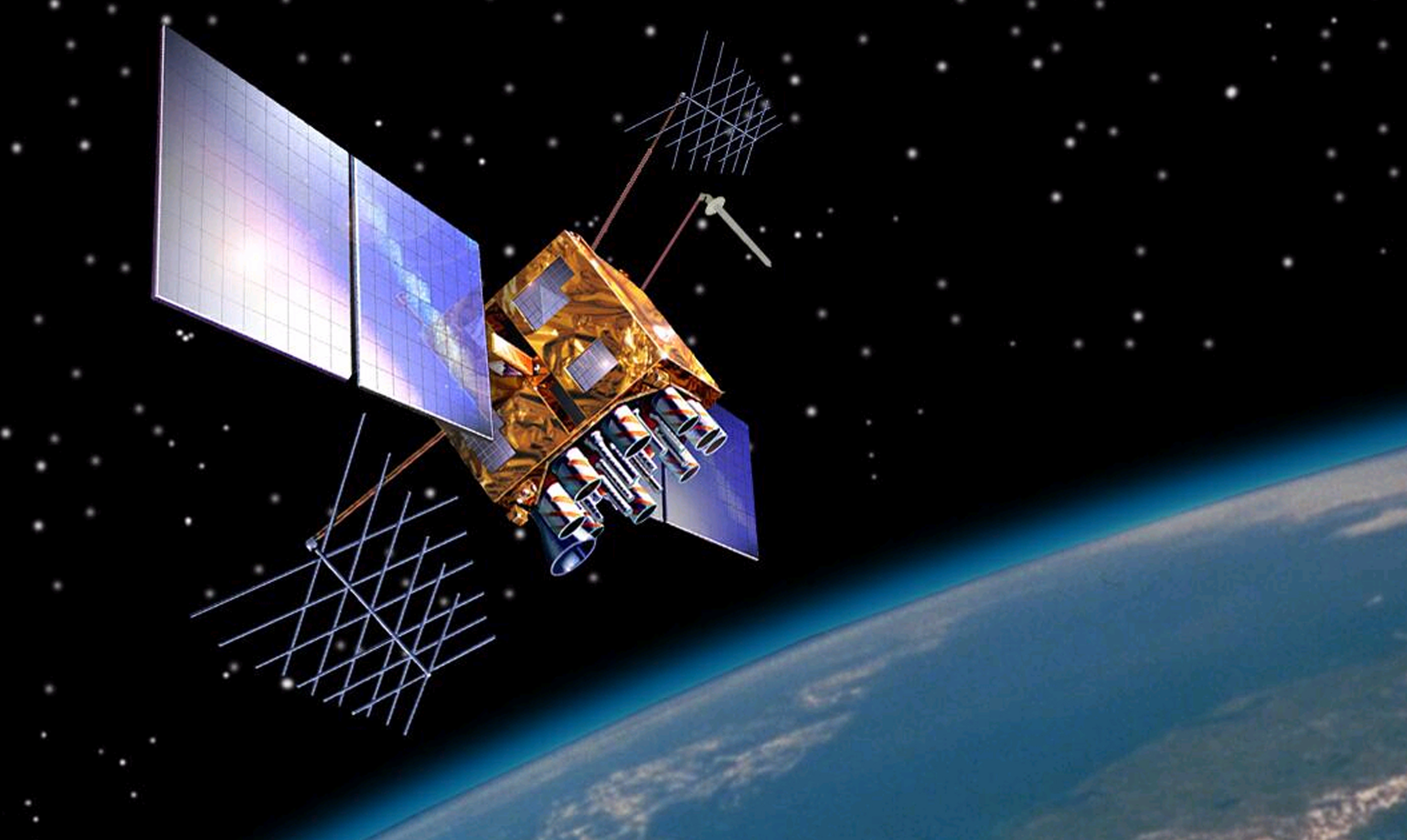
Photo: Wikimedia Commons (Public domain) — A satellite in orbit above Earth. U.S. Government image.
One thing to know before you rely on it: satellite texting is a safety net, not a replacement for a real satellite communicator like a Garmin inReach if you spend whole weekends far off the grid. It is slower, it needs the sky, and heavy tree cover can still beat it. But for a road trip, a ski weekend, or a hike in a national park, it turns "no service" from a dead end into a short delay.
So take five minutes this week, while you are sitting on your couch with full bars. Update your phone, add your emergency contacts, run the demo once, and check whether your plan already includes satellite service. The best time to learn how it works is now, not when you are standing on a mountainside with no signal. Have you ever been caught somewhere with no bars on your phone?
Comments
Post a Comment